
Table of Contents
What's Included in This Offer
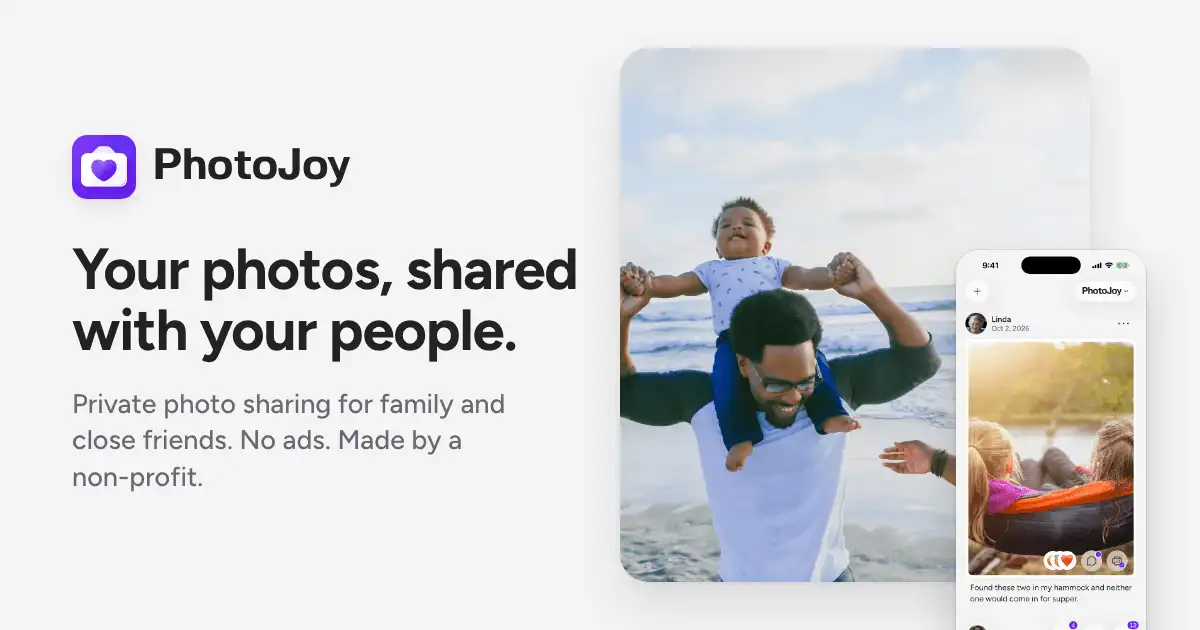
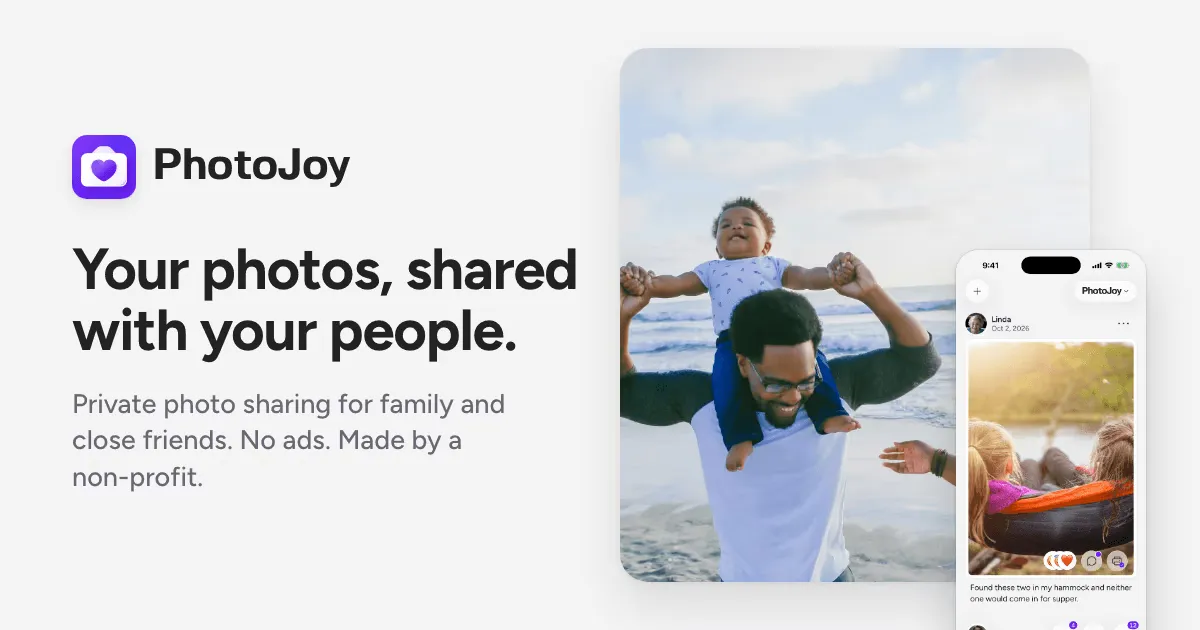
Our deal hunters found a simple way to turn a favorite fall snap into a mailed greeting at no cost. When you download the PhotoJoy app, the very first postcard you create is completely free. The free postcard includes a full-size printed card (standard postcard dimensions) with your chosen photo on the front and custom text on the back.
After downloading the PhotoJoy app, complete the questions first - then add your photo - to trigger the free postcard offer before you start editing.
There are no hidden add-ons or extra fees for the first card. The offer covers the printing, postage, and delivery to the recipient’s address you provide. It’s a one-time free send, perfect for testing the service before deciding to purchase more cards.
How to Claim Your Freebie
- Step 1: Click the claim button below this article to open the PhotoJoy download page.
- Step 2: Download the PhotoJoy app onto your device and launch it.
- Step 3: Complete the brief questionnaire that appears after installation.
- Step 4: Tap the option to add a photo, then select the picture you want to use for your postcard.
- Step 5: Look for the free postcard pop-up in the right-hand corner of the app and click it.
- Step 6: Enter your custom message, review the layout, and confirm the design.
- Step 7: Input the recipient’s mailing address and submit the order.
No purchase is required, and the entire process takes only a few minutes. You’ll receive a confirmation within the app once the postcard is queued for printing and mailing.
Why We Like This One
A printed postcard feels more personal than an e-card, and PhotoJoy lets you showcase a seasonal photo without any cost for the first send. It’s ideal for sharing autumn scenery, family gatherings, or a quick “just because” note with friends and relatives.
Because the offer is tied to the app, you also get a preview of PhotoJoy’s full suite of design tools. If you love the free card, you can easily order more later, choosing from a range of templates, fonts, and paper finishes.
The free postcard also saves you money on postage. PhotoJoy handles the mailing, so you skip the hassle of buying stamps or visiting a post office. It’s a convenient, low-effort way to brighten someone’s mailbox.
Important Tips & Details
- Make sure your device has enough storage for the app download; the file is under 100 MB.
- Prepare the recipient's full mailing address before you start; the app will ask for it after you design the card.
- The free postcard offer appears automatically in the right-hand corner after you add a photo - if you don't see it, try refreshing the screen.
- Only the first postcard you create is free; additional cards will be charged at the regular rate.
- Double-check the spelling of the address and your custom text before submitting to avoid printing errors.
- There are no age or location restrictions mentioned, so anyone who can download the app can claim the free card.
Found This Helpful? Spread the Word!
Share this deal with friends who love freebies and exclusive offers 💝
Want More Like This? Browse Our Household stuff Collection →
Comments
Leave a comment
Loading comments...
No comments yet. Be the first to share your thoughts!